How to Upgrade Sequences Mid-Enrollment
Last updated: May 5, 2026
What Is This Feature?
You can now edit and upgrade a sequence — or reassign its mailbox — even after people have already started moving through it. Previously, once a sequence was live and people were enrolled, it was effectively locked. Any change required manually editing emails one by one, deleting and recreating the sequence, or living with mistakes in a running campaign.
What You Can Now Do Mid-Enrollment
✅ Fix typos in email copy without touching active enrollments
✅ Update messaging or copy across sequence steps
✅ Adjust step delays to change the timing of future sends
✅ Add or remove future steps that haven't been reached yet by active enrollments
✅ Reassign mailboxes to a different sending account
What You Cannot Change
To protect active enrollments, the system automatically detects and blocks incompatible changes. Upgrades will not be allowed if:
❌ You delete steps that an enrollment has already passed through
❌ You insert new steps between steps that have already completed
❌ You cannot add new steps that will apply to enrollments that have already completed the entire sequence — newly added steps only apply to new enrollments and enrollments that haven't progressed past Step 1
If your change falls into one of these categories, you'll need to either leave those steps as-is for currently enrolled people, or unenroll and re-enroll them manually after making the change.
How It Works
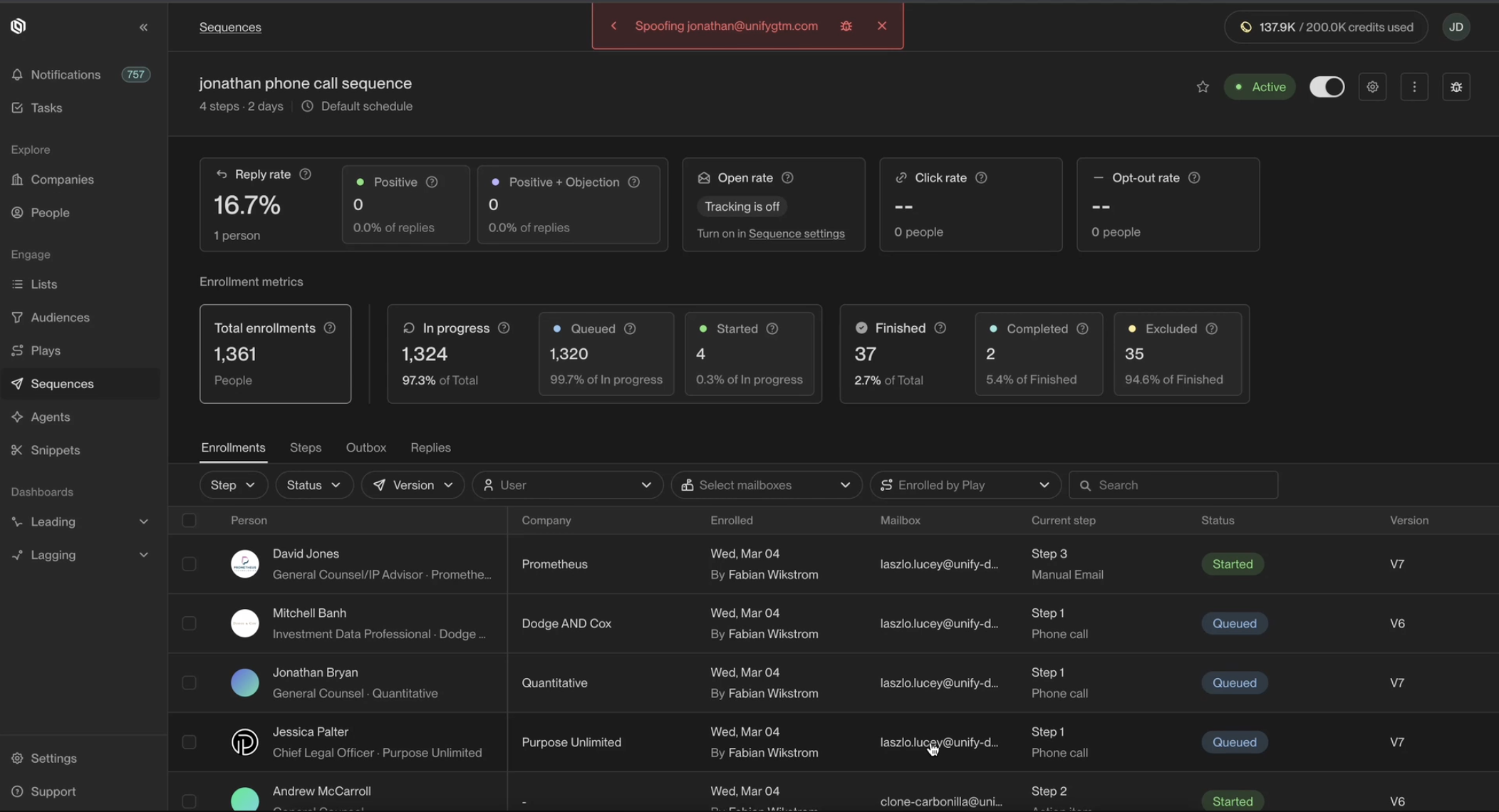
Open the sequence you want to edit
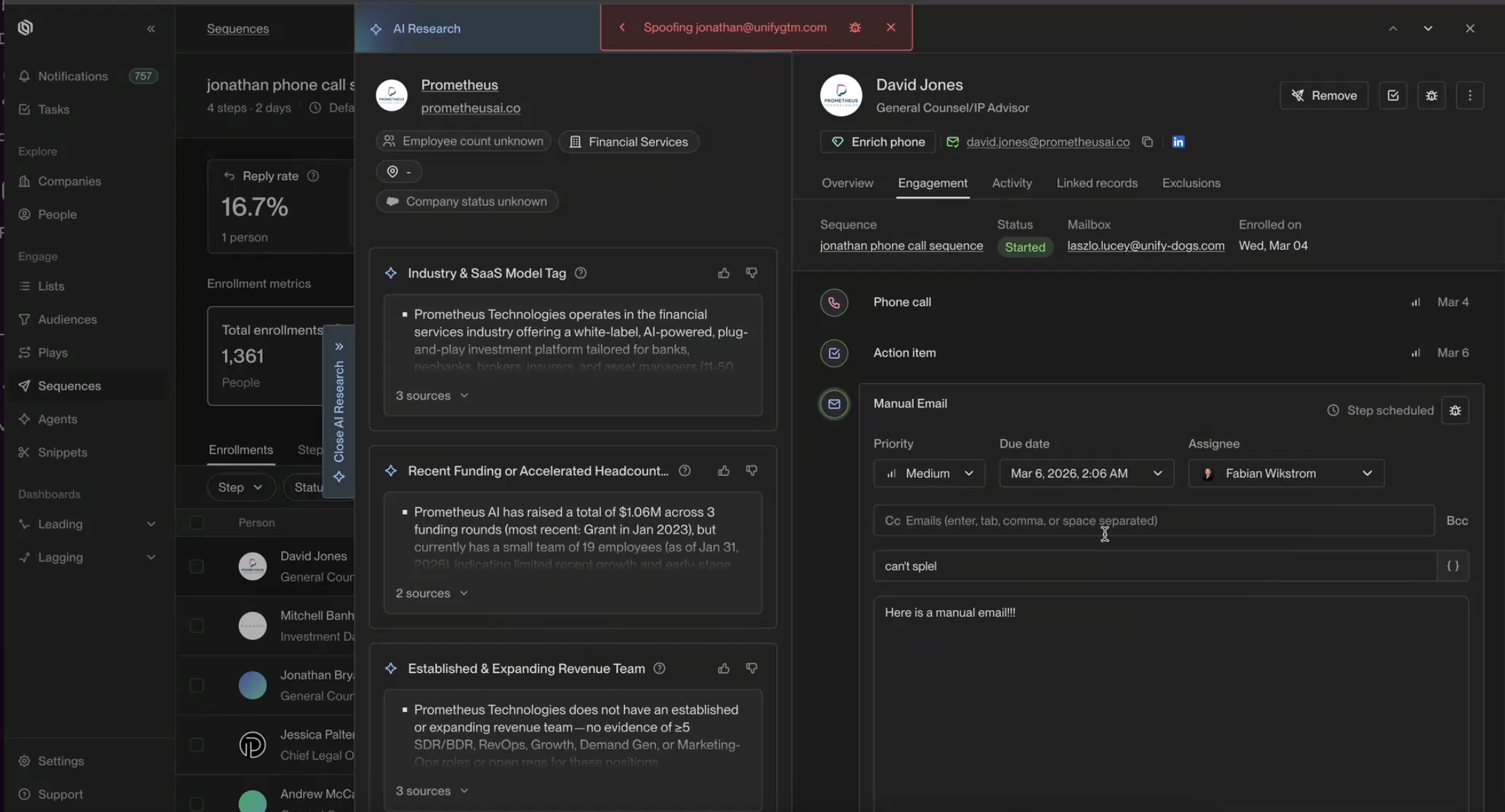
Make your changes in the Editor (fix copy, adjust delays, add/remove future steps, or reassign the mailbox)
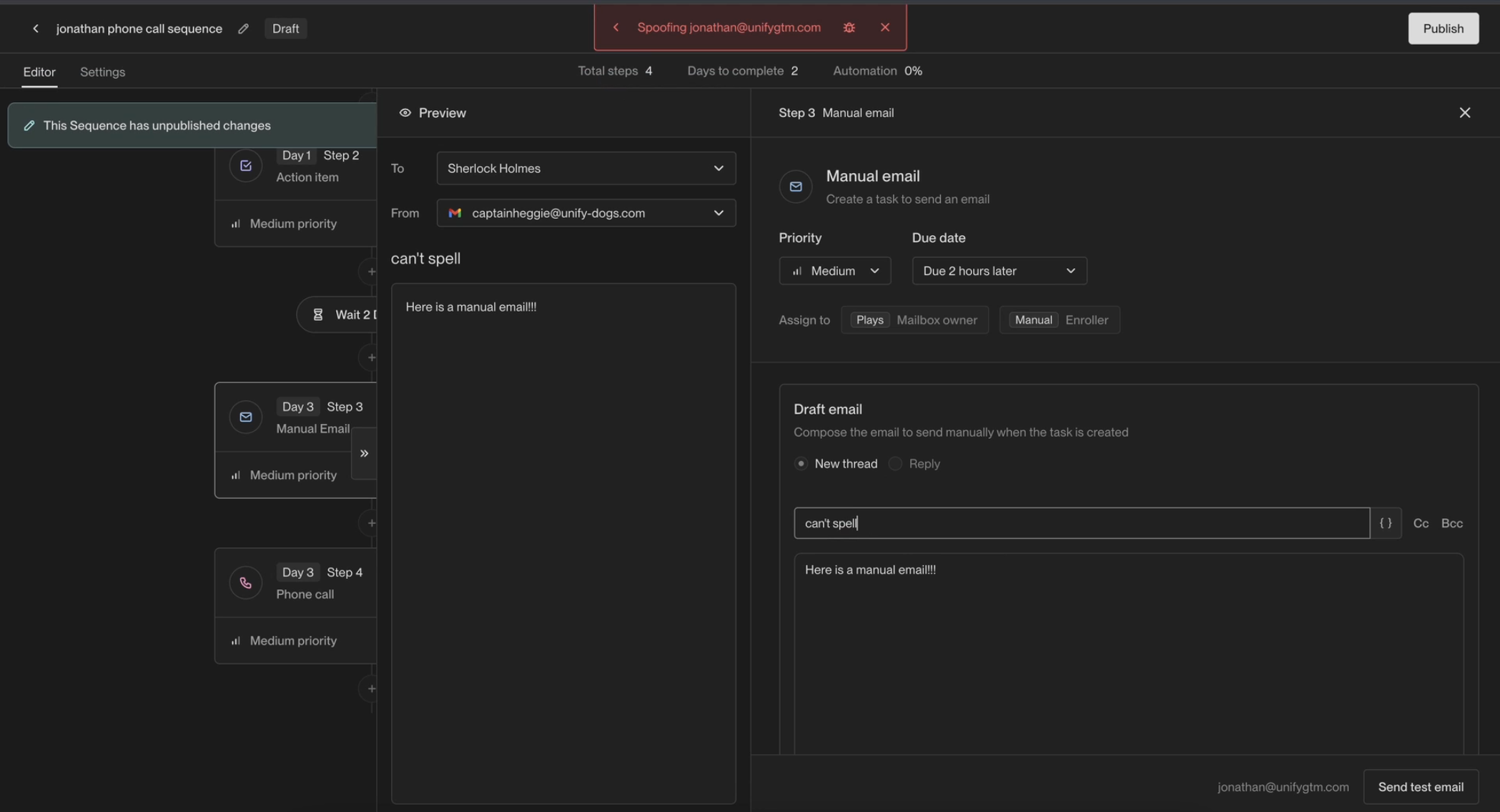
Save and apply the upgrade — the system will validate compatibility automatically
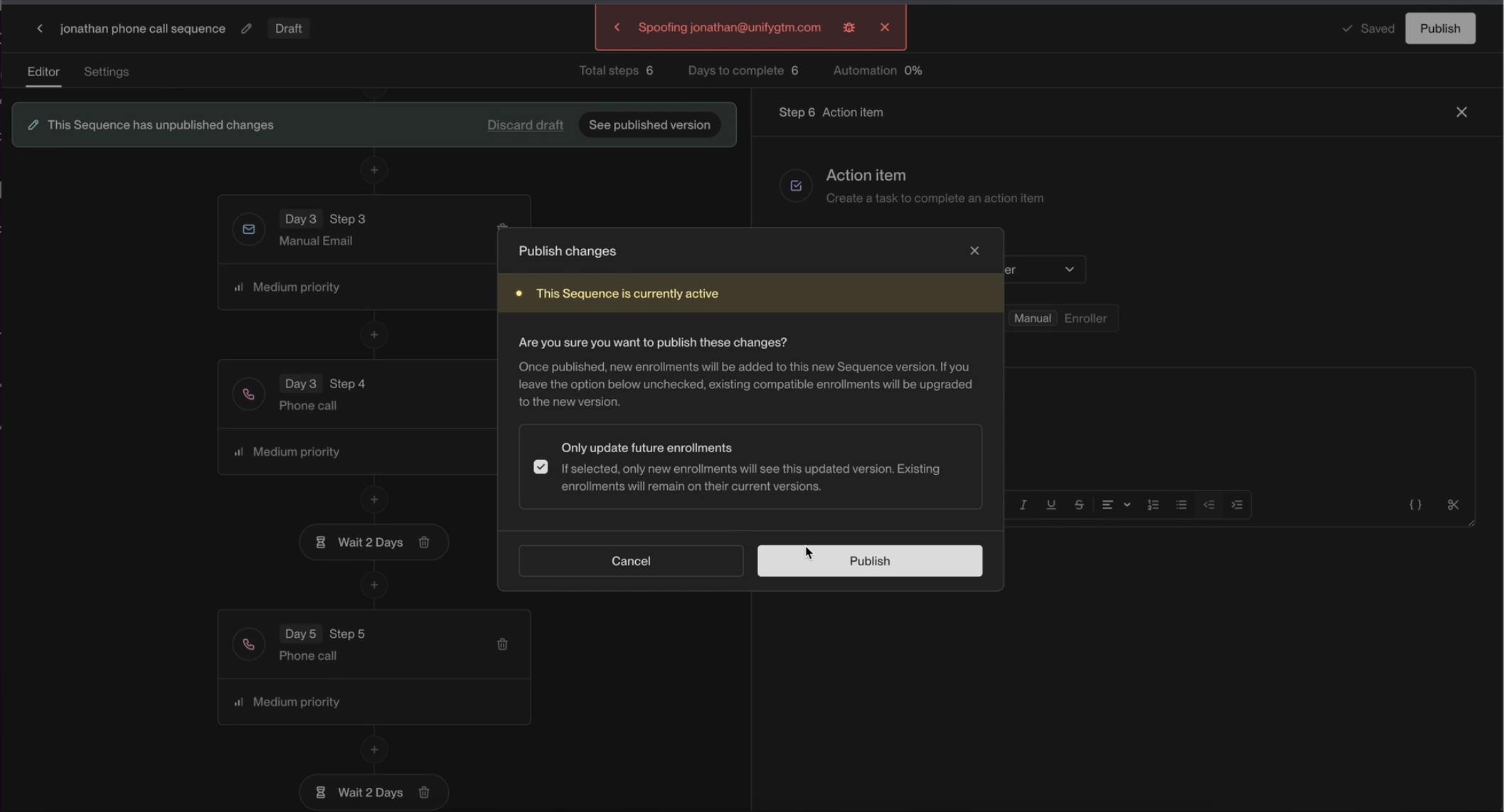
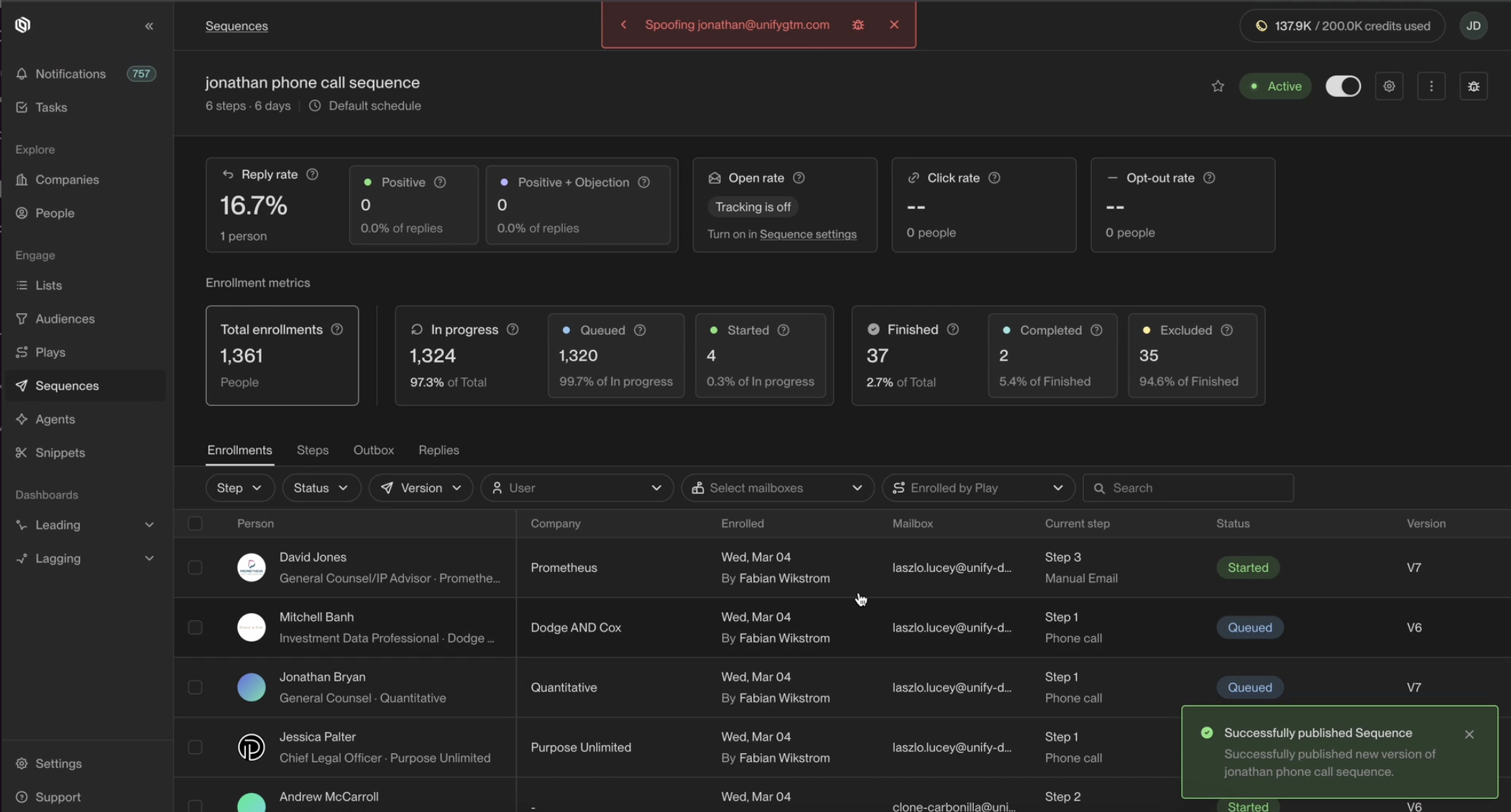
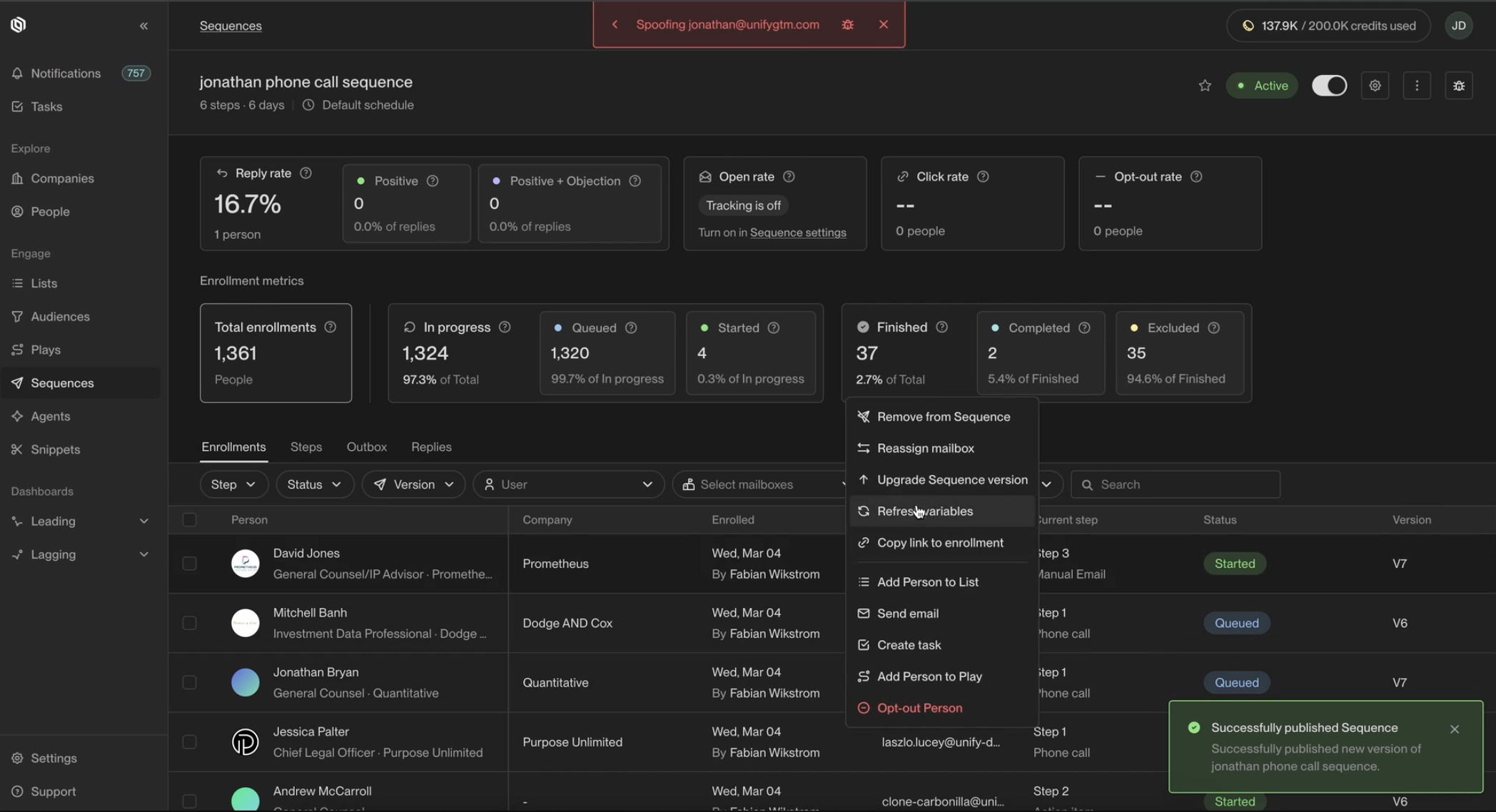
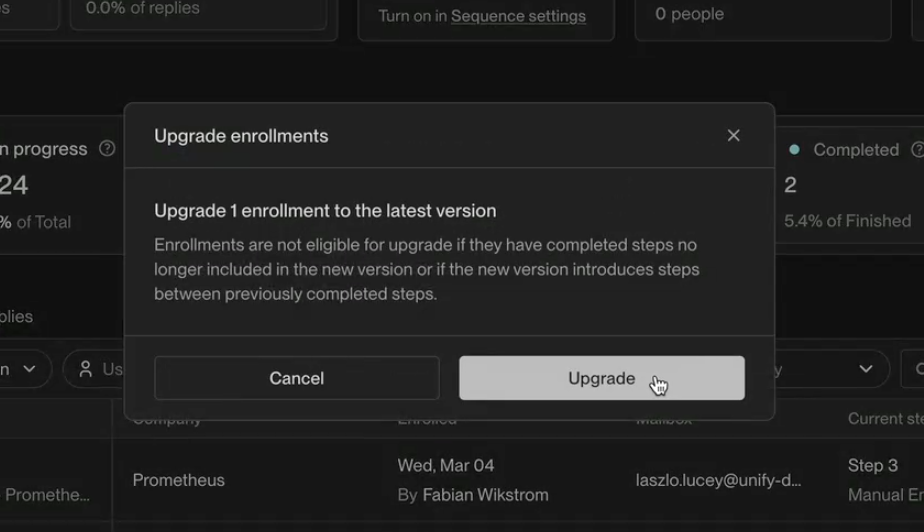
If the upgrade is compatible, changes apply to all current enrollments going forward
If incompatible changes are detected, you'll be prompted to resolve them before the upgrade can proceed
💡 Note: You may notice some slowness during upgrades while the team continues to improve Sequencer and Task performance. This is expected and being actively worked on.
FAQ
Can I edit a sequence that already has people enrolled?
Yes — that's exactly what this feature enables. You can fix copy, change delays, add/remove future steps, or reassign a mailbox on a live sequence without affecting people's current position in it.
Will my edits affect emails that have already been sent?
No. Changes only apply to steps that haven't been sent yet. Emails that have already gone out are not retroactively changed.
What happens if I try to delete a step someone has already completed?
The system will block the upgrade and flag it as incompatible. You'll need to remove that change before the upgrade can proceed.
Can I insert a new step between two steps that people have already moved through?
No — this is also flagged as incompatible. You can add new steps at the end, or after steps that haven't been reached yet.
What happens if I add new steps to a sequence where people have already completed all steps?
Newly added steps will only apply to new enrollments and enrollments that haven't progressed past Step 1. Contacts who have already completed the entire sequence will not receive the new steps. To reach these contacts, you can create a new sequence and enroll them there (subject to your re‑enrollment cooldown settings), or unenroll and re‑enroll them into the updated sequence. Note that re‑enrolling starts a new email thread rather than continuing the original one.
What if the upgrade fails partway through?
The new upgrade mechanism no longer deletes and recreates sequences from scratch, so a failure mid-upgrade will not result in unenrollments. People will stay where they are.
Can I reassign the mailbox on a live sequence? Yes. Mailbox reassignment is now supported mid-enrollment.
I'm seeing slowness when applying upgrades — is something broken? Not necessarily. The team is actively working on Sequencer and Task performance improvements. Some slowness during upgrades is expected in the short term.