Email Preview and Test Email Functionality
Last updated: February 25, 2026
The email preview and test email features in Unify allow you to review and test your email sequences before sending them to prospects.
Email Preview Issues
If you're experiencing issues with email previews not loading or showing "Email preview not available," this is typically a temporary loading issue. Try refreshing the page or waiting a few moments for the preview to load. The preview functionality should work normally in most cases.
Test Email Functionality
When you send a test email:
Test emails are sent to your own email address - not to the example recipients shown in the interface
The recipients displayed in the preview are real people from your Unify data, but they will not receive the email when you click the test button
Test emails help you see exactly how your message will appear when received by prospects
Email Signatures
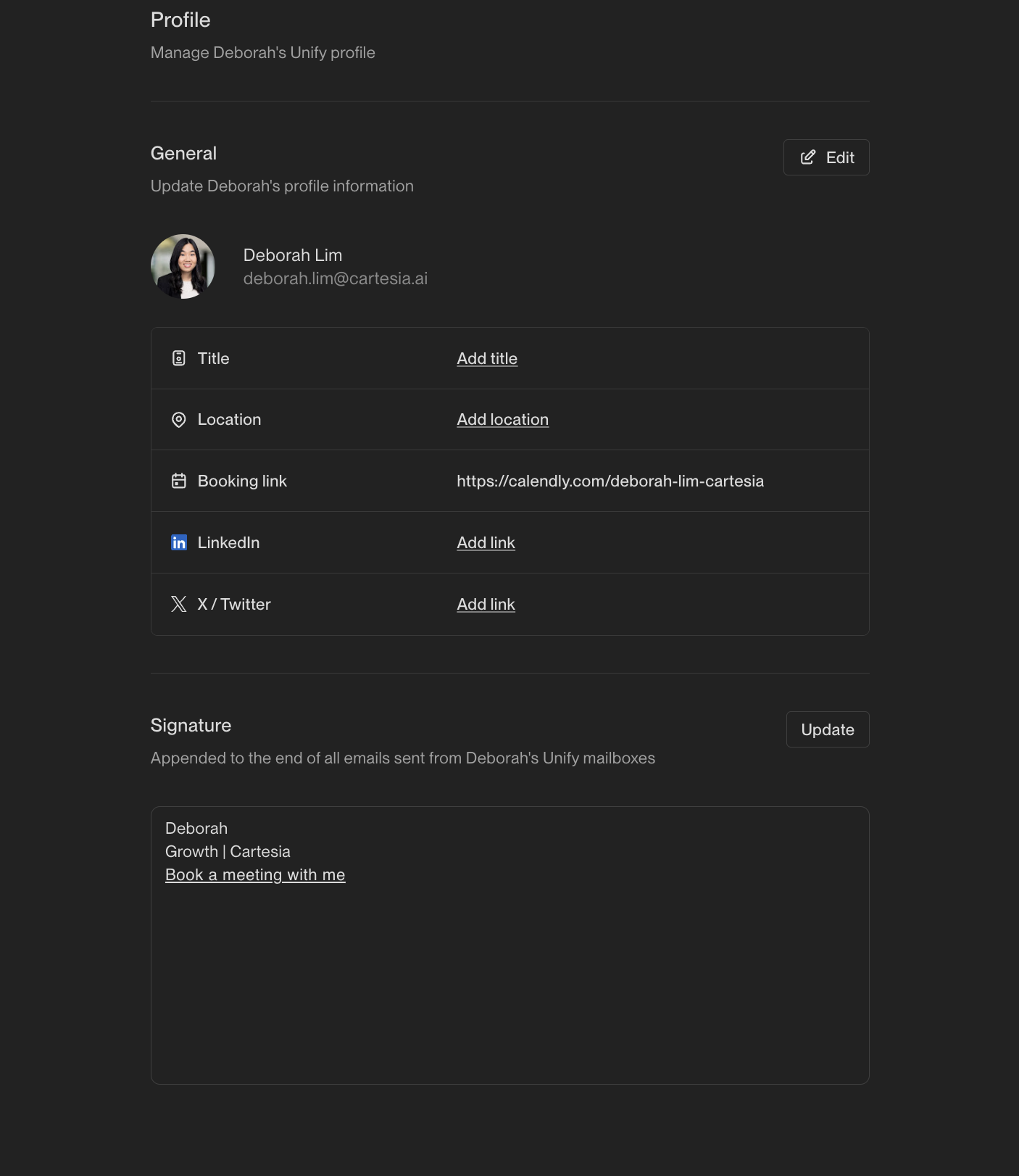
Email signatures are configured per user and can include booking links. To set up or modify signatures:
Click on the specific user
Add or edit the signature in the signature field
You can include booking links directly or use booking link variables
Troubleshooting Test Emails
If you're unable to send test emails:
Ensure your user account has been properly configured with email settings
Check that any required calendar links or booking information has been set up
Test emails from sandbox environments may end up in spam/junk folders - this is expected behavior
If preview or test functionality continues to not work after trying these steps, the issue may resolve itself after a brief wait as the system loads the necessary data.