How to Add Users, Mailboxes, and Credits in Unify
Last updated: February 13, 2026
This guide explains how to add additional users, mailboxes, and credits to your Unify account, including pricing and important considerations.
Adding Users
You can invite new users directly from the platform.
To add a new user:

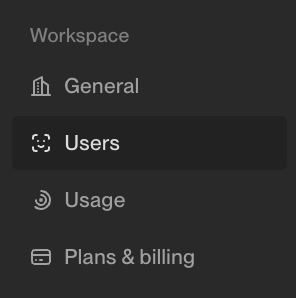
Select Invite (top right)

Enter the user’s email address
Assign a role (Admin or Rep)
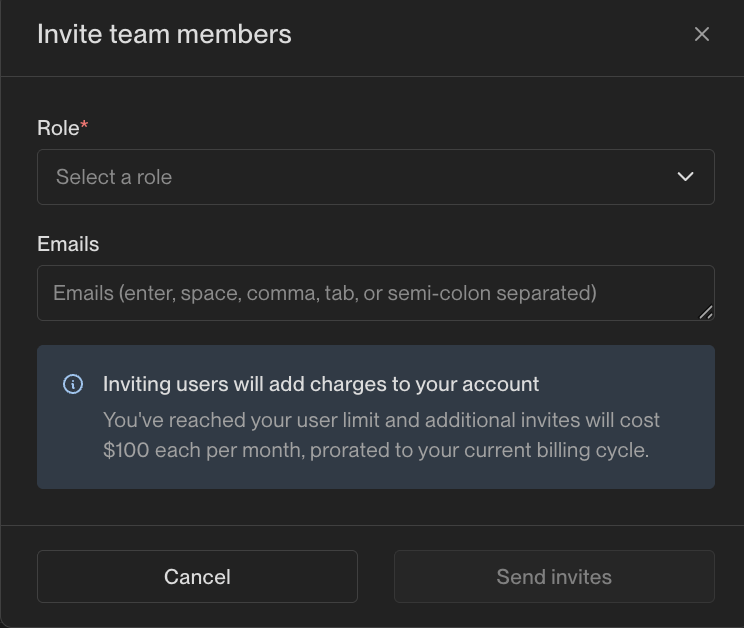
Send the invitation
The invited user must accept their invite before accessing the platform.
Important Notes
Each additional user costs $100/month
Admin and Rep roles are priced the same
You can only invite users up to your account’s user limit
Any team member who needs to send emails from mailboxes must be added as a user
Adding Mailboxes
Unify-managed mailboxes can be purchased directly within the platform.
To add mailboxes:

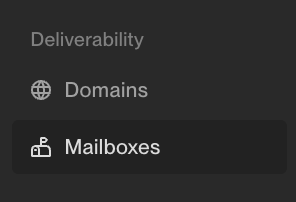
Click Add Mailbox

Choose Buy Unify Managed
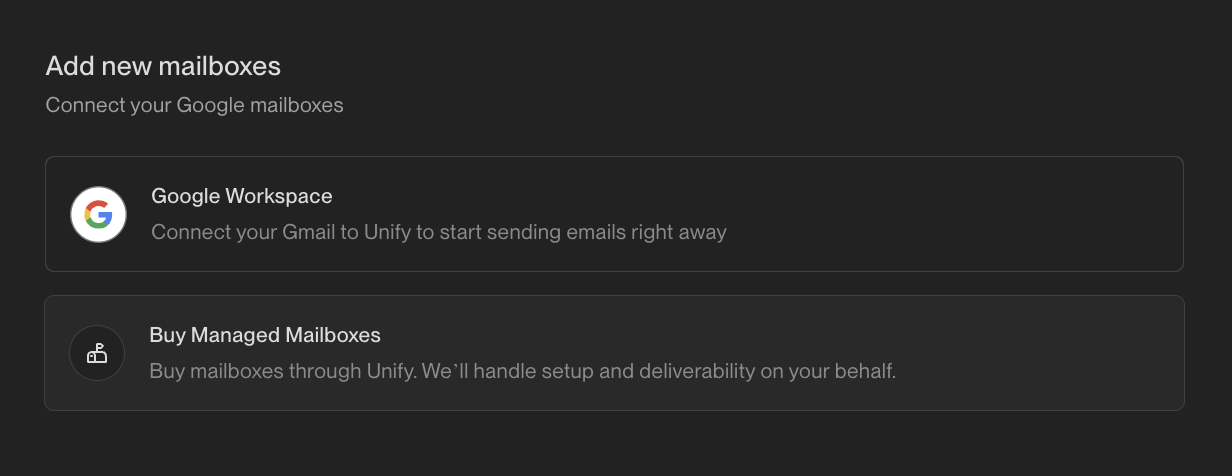
Select the number of mailboxes
Complete the purchase flow
Mailbox Details
Each mailbox costs $25/month
Each mailbox can send up to 25 emails per day
New mailboxes require a 3-week warming period before reaching full sending capacity
Mailboxes must be assigned to a user
Users typically need 5+ mailboxes for effective outbound volume
Assigning Mailboxes
After purchase:
Assign mailboxes to specific users
Users must have mailboxes assigned to send emails
Mailbox volume scales with the number of mailboxes assigned
Adding Credits
Credit purchases typically require coordination with your account manager.
To purchase additional credits:
Contact the Unify team
Specify how many credits you need
Complete the purchase (credits are usually sold in packages)
Example:
Credits are often sold in 20,000-credit packages (~$2,000)
How Credits Are Used
Data enrichment: 2 credits per enriched contact
AI agent runs: 0.1 credits per run
Email sending: Does not consume credits
When credits are depleted:
Enrichment and agent activity will pause
Sending emails will continue
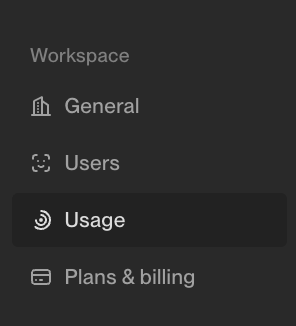
You can monitor usage under Settings → Usage.
Billing & Payment
Additional users and mailboxes are billed monthly or annually (depending on your plan)
Some accounts are invoice-based; others are credit card–based
Contact your account manager to update billing details or payment methods
What’s Self-Service?
Feature | Self-Service? |
Users | ✅ Yes |
Mailboxes | ✅ Yes |
Credits | ❌ Typically requires Unify Team Member |
Need Help?
If you run into issues:
Reach out to Unify Support via your Slack channel by tagging @Unify Support or reacting to your message with a 🎫 emoji!
Or contact your Account Manager or Product Growth Strategist
We’re happy to help you scale your team, sending volume, or enrichment capacity.