Webhooks in Plays
Last updated: May 18, 2026
Push Unify data to any tool automatically: Use the Webhook action inside a Play to send contact, company, or enrichment data to an external system the moment a signal fires — no engineering required.
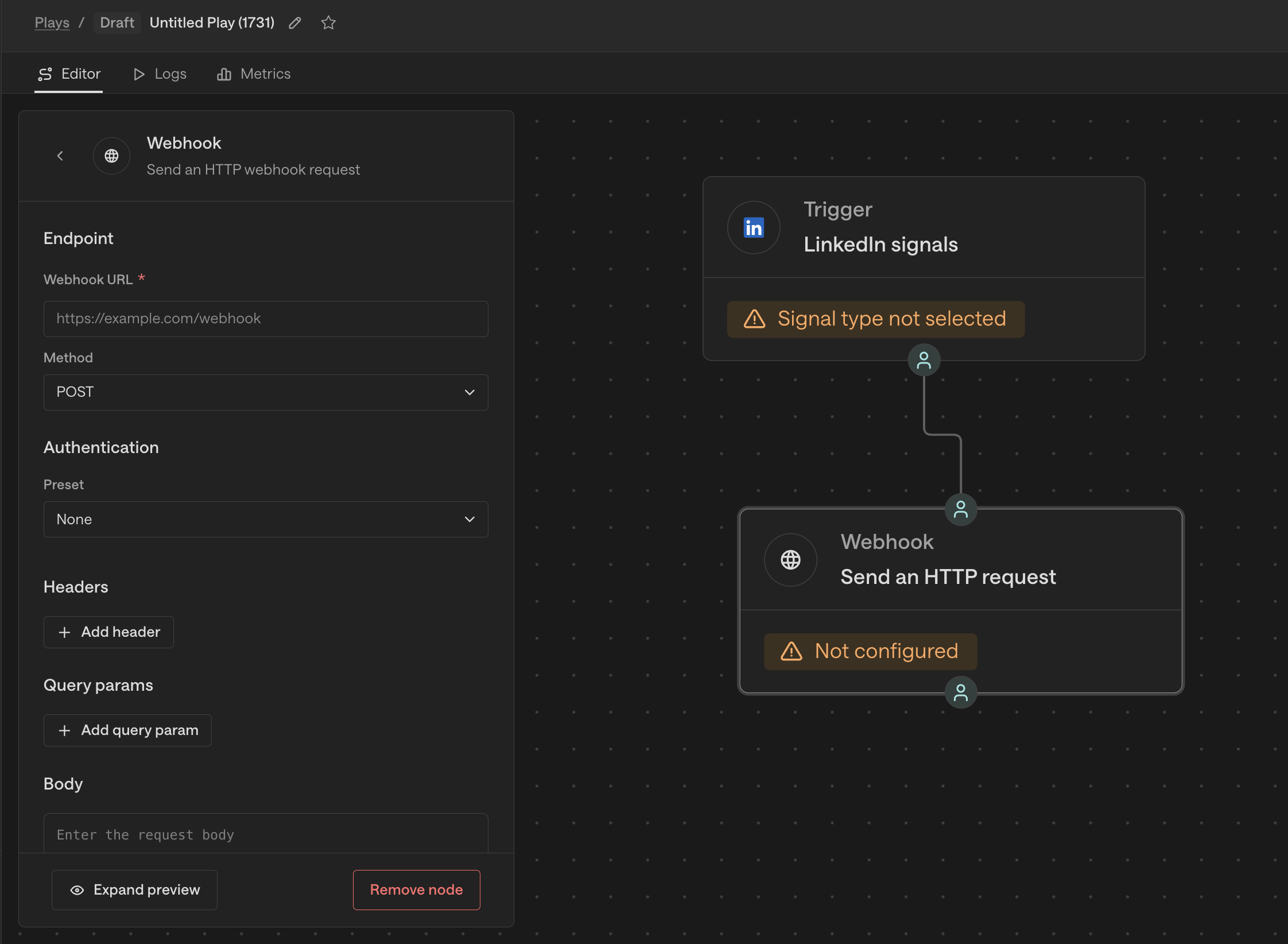
What is a webhook?
A webhook is one system telling another that something just happened with intention to trigger action. Stripe pings a store when a customer pays to send an invoice. Unify pings your tool when a Play signal fires. No humans in the middle, no CSV exports, no waiting for a sync.
When to use a Webhook (vs. the Data Out API)
Webhooks (Push) | Data Out API (Pull) | |
|---|---|---|
How it works | Unify pushes data to your tool when a Play fires | You pull data from Unify when you need it |
What data moves | The person or company record that triggered the Play | Activity data, enrichment, email threads, Play metrics |
Setup | Self-serve via Zapier, n8n, or any API endpoint | Coming soon! |
If you need to send a record into a downstream tool the moment something happens, use a Webhook.
What you can send
Contact info — name, email, phone, title
Company details — industry, size, revenue, tech stack
CRM fields — stage, owner, deal value, custom properties
Enrichment data — any field from your enrichment providers
Signal context — which signal triggered the Play
What you can't send: sequence data, email history, Play metrics, or activity data. For those, use the Data Out API.
Configuring a Webhook node
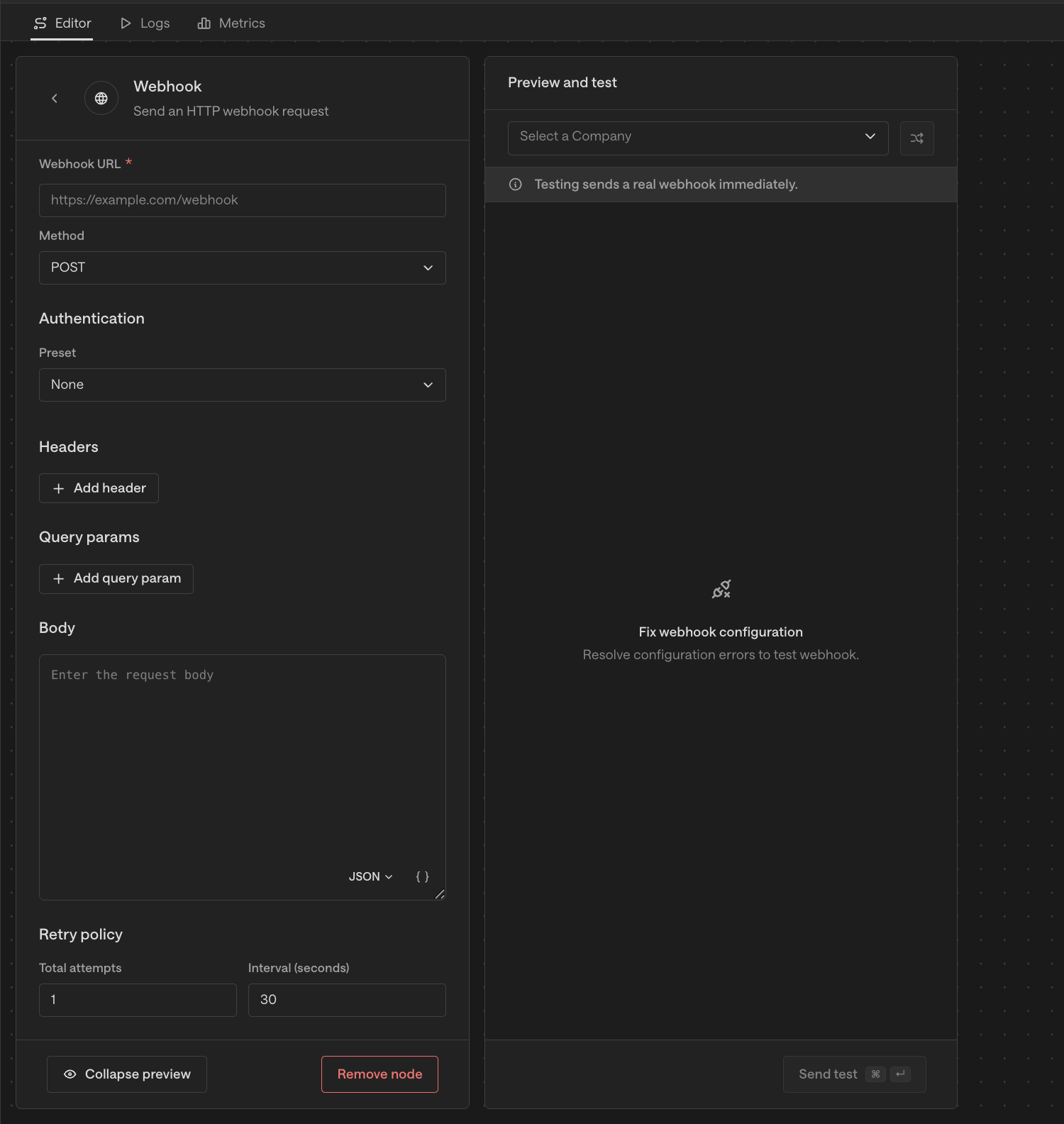
Add a Webhook action to your Play. You'll see these fields:
Endpoint
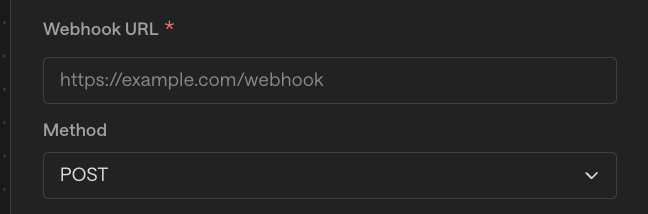
Webhook URL — the destination that will receive the request (e.g.
https://api.example.com/webhook)Method —
POST,PUT,PATCH,DELETE,GET,HEAD, orOPTIONS. Most destinations expectPOST.
Authentication
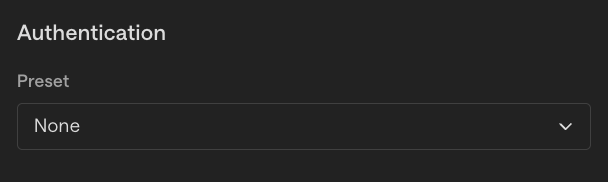
Pick the preset that matches your destination:
None — no auth (common for Zapier, n8n, Teams webhooks — the URL itself is the secret)
Bearer Token — sends
Authorization: Bearer <token>Basic Auth — username + password
API Key (Header) — sends the key as a custom header
API Key (Query) — sends the key as a URL parameter
Headers

Add key/value pairs. Content-Type is set automatically based on body format — only add it manually if your destination needs a specific override.
Query parameters
Add key/value pairs that get appended to the URL.

Body
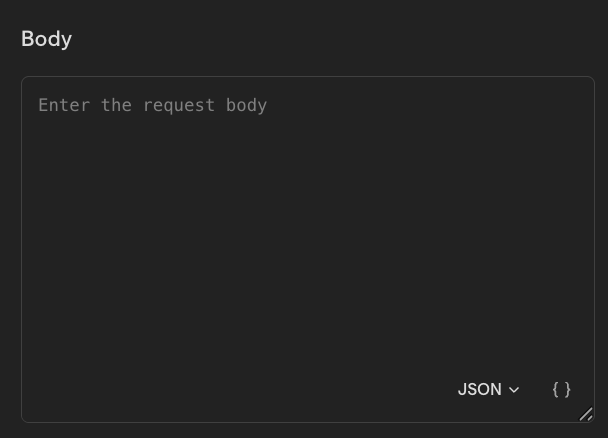
The request payload. Use Unify's {{template_variables}} to insert dynamic values like {{ person.email }} or {{ company.name }}. Choose body format:
JSON — most common
TEXT — plain text
XML — XML body
Retry policy
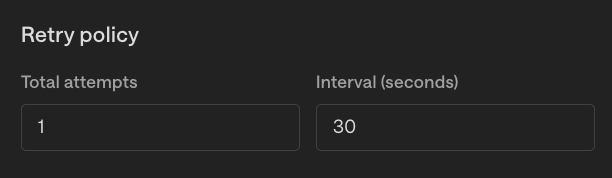
Max attempts — up to 10 retries on failure
Backoff — seconds to wait between retries
Testing before going live
Use Expand preview in the Webhook node to see the exact payload that will be sent for a real record. Before pointing at your real destination, test with a request-inspection service like webhook.site or RequestBin to verify the request structure.
Things to Keep in Mind
Request timeout: 8 seconds. If your destination doesn't respond in time, the request fails and Unify retries per your retry policy.
Max retry attempts: 10
One-way today. Webhook responses aren't parsed or passed to downstream Play steps.
No inbound webhook triggers yet. Webhooks send data out - incoming triggers are coming soon.
Tips
For most destinations, the right combo is
POST+ JSON body.Use webhook.site for testing — paste the URL into the node, fire a test, and inspect the request before pointing at your real endpoint.
For complex JSON bodies, ask Claude or ChatGPT: "I'm using Unify and want to set up a webhook to send lead data to [tool]. Fields available: first_name, last_name, email, company, title. Give me the endpoint, auth, headers, and JSON body. Unify uses {{ field_name }} template variables."
Treat tokens (Bearer, API keys) as sensitive — they're stored encrypted but should still be rotated when team members leave.