HubSpot Error Log — Common Errors & Resolutions
Last updated: June 4, 2026
Overview
This article covers the most frequently encountered errors when working with the HubSpot CRM and how to resolve them.
Finding the HubSpot Error Log in Unify
Before troubleshooting any of the errors below, locate the HubSpot integration's Error Log inside Unify — this is where Unify surfaces errors returned from HubSpot, along with plain-English descriptions and recommended fixes.
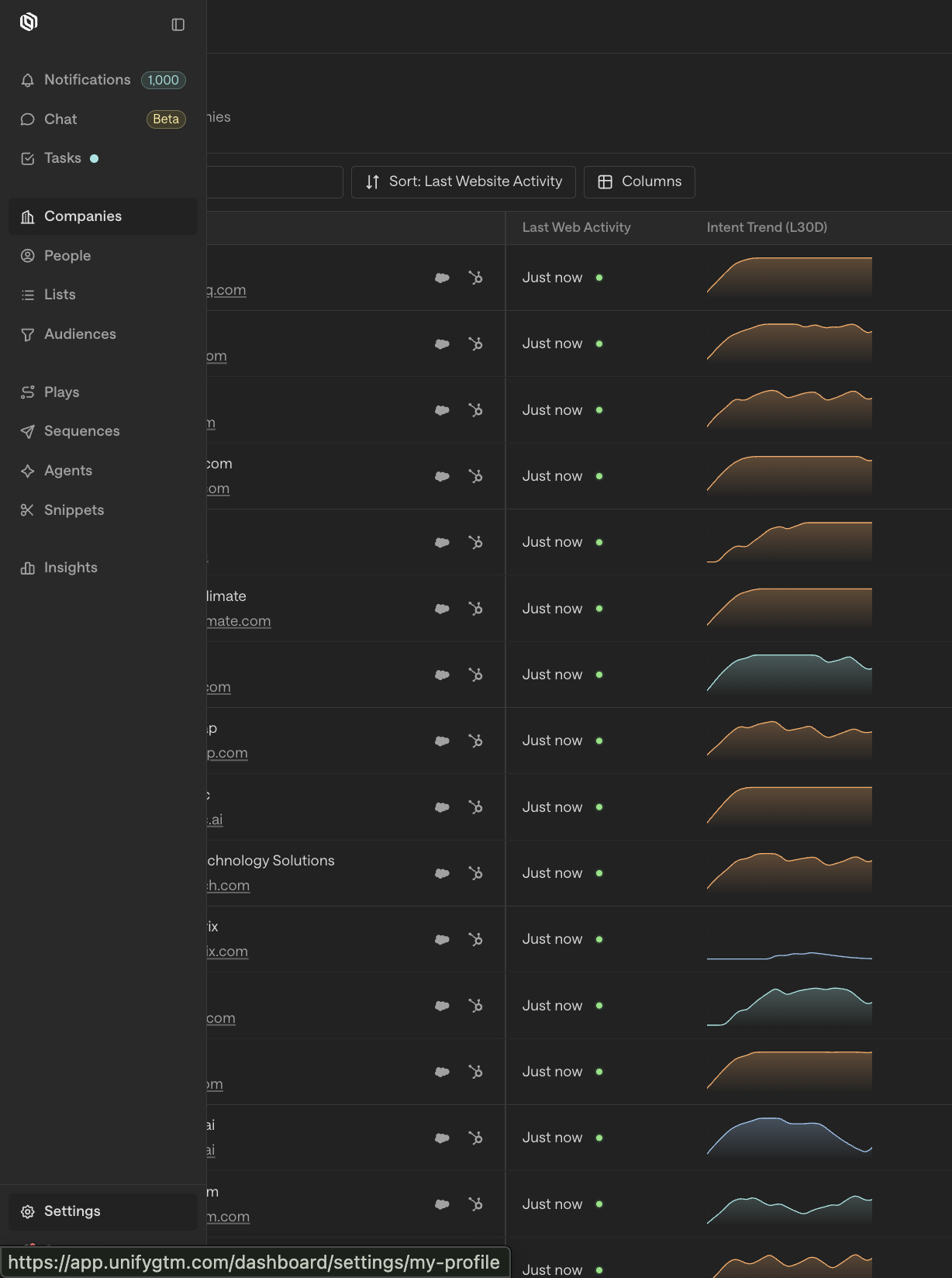
In Unify, click Settings in the left sidebar.
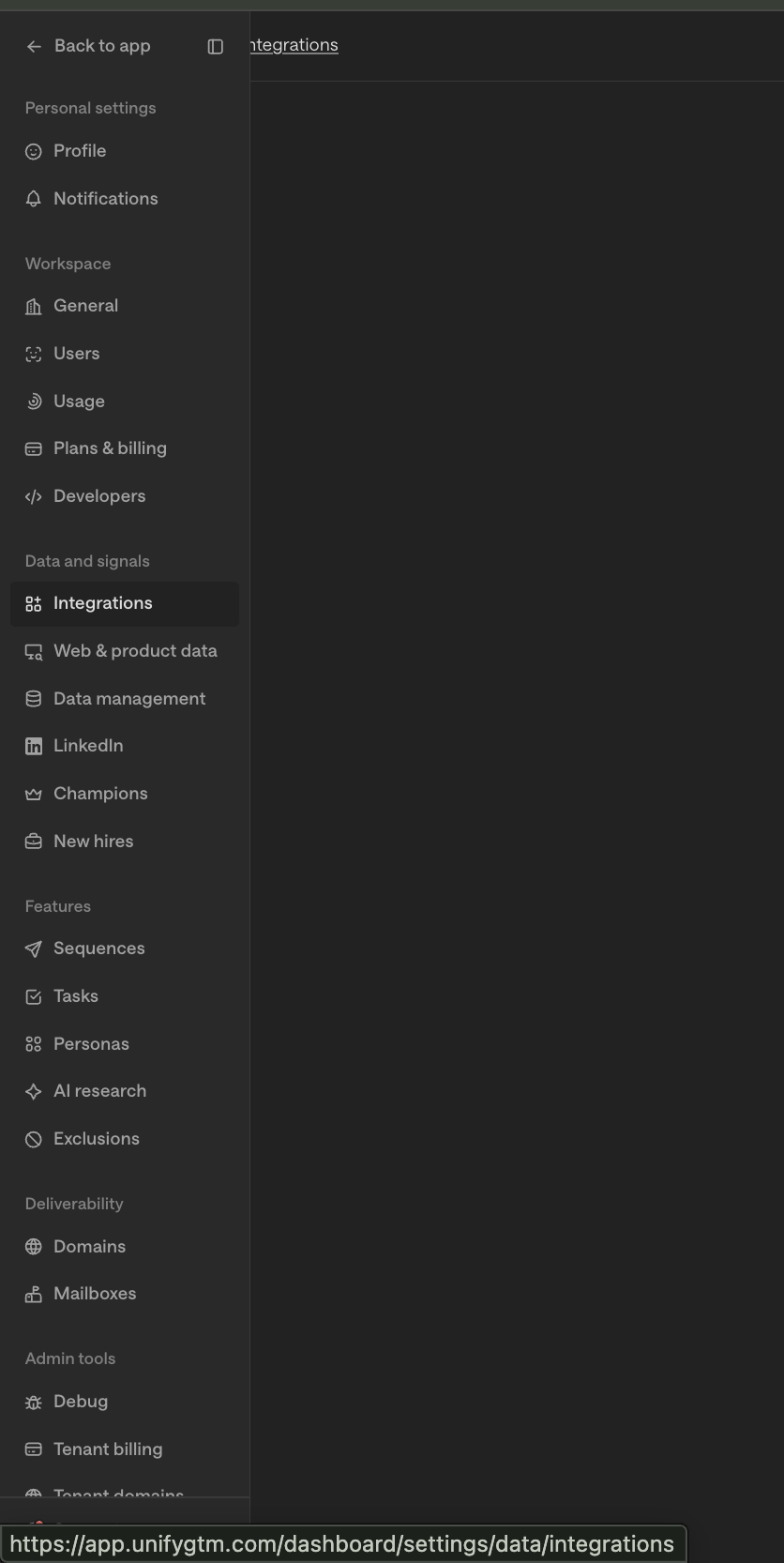
Under Data & Signals, click Integrations.
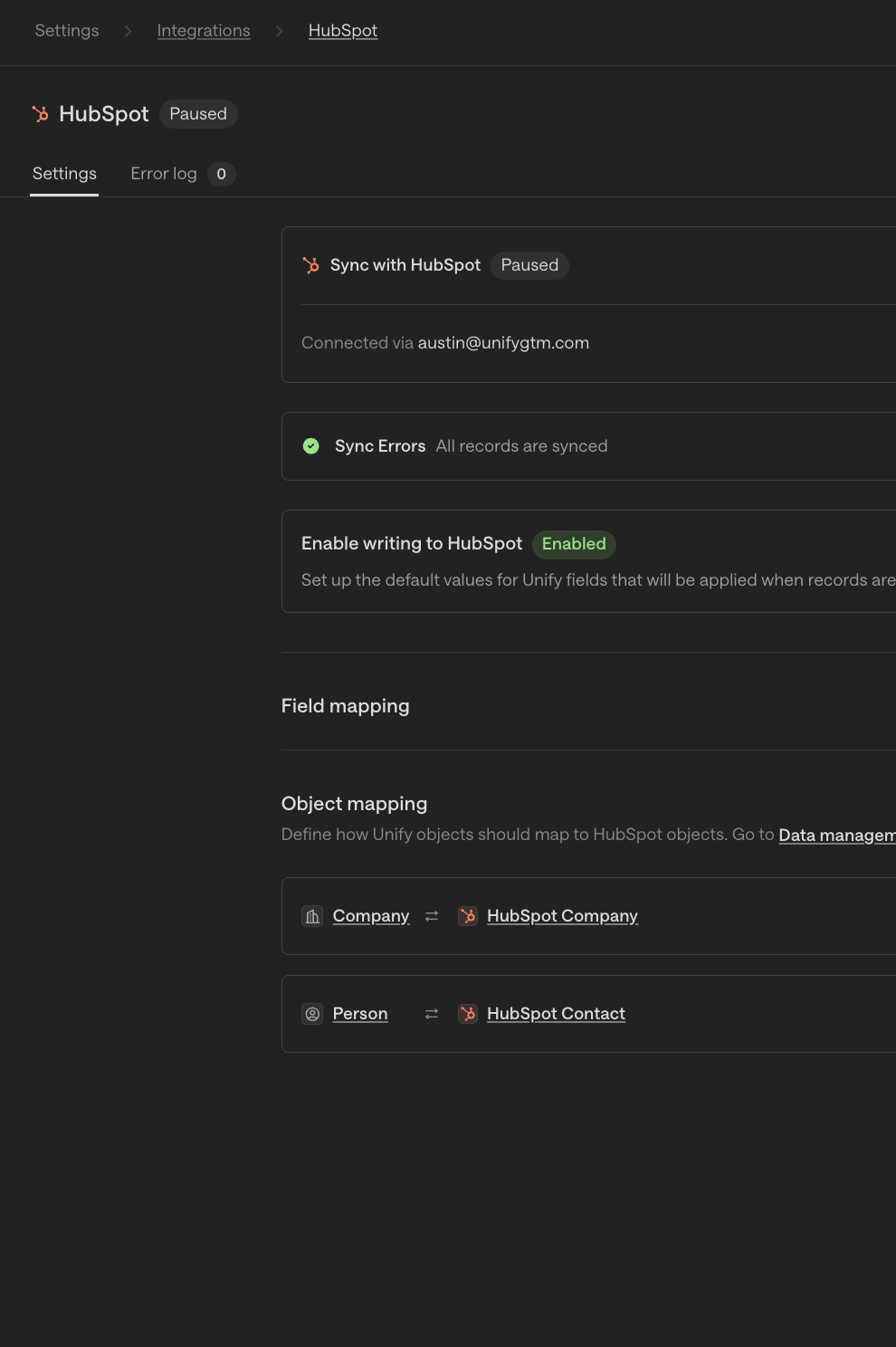
Click into your HubSpot integration.
Open the Error Log tab at the top of the integration detail page.
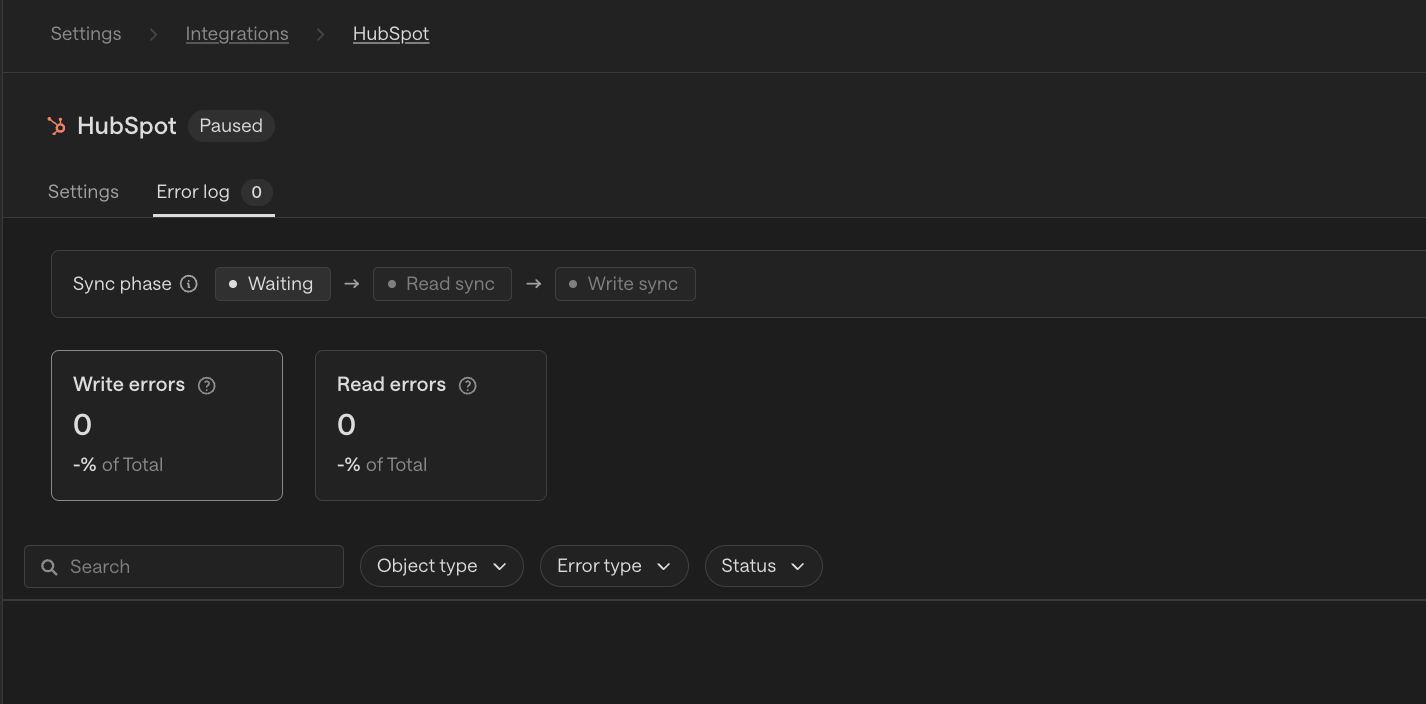
Use the error name in the log to find the matching section below for resolution steps.
Authentication & API Errors
Error: 401 Unauthorized
Your API key or OAuth token is invalid or expired.
Resolution: Re-authenticate your HubSpot connection. Go to Settings → Integrations and reconnect your HubSpot account. If using a private app token, verify it has not been rotated or revoked in HubSpot.
Error: 403 Forbidden
The connected HubSpot account does not have permission to perform the requested action.
Resolution: Confirm the HubSpot user whose credentials are being used has the appropriate role permissions (e.g., Contacts, Deals, or Marketing Hub access). A Super Admin in HubSpot can adjust these under Settings → Users & Teams.
Error: 429 Too Many Requests
Your account has exceeded the HubSpot API rate limit.
Resolution: HubSpot enforces a daily limit (typically 500,000 requests/day for Professional/Enterprise and 110 requests/10 seconds burst). If syncing large contact lists, consider batching operations or reducing sync frequency. Wait for the rate limit window to reset before retrying.
Contact & Record Errors
Error: CONTACT_EXISTS / Duplicate Contact
A contact with the same email address already exists in HubSpot.
Resolution: HubSpot deduplicates contacts by email. If the record is updating an existing contact, this is expected behavior. If it's a net-new contact, verify there is no existing record with that email in HubSpot under Contacts → All Contacts.
Error: INVALID_EMAIL
The email address provided does not pass HubSpot's format validation.
Resolution: Check the email field for typos, extra spaces, or unsupported characters. HubSpot requires a valid name@domain.tld format.
Error: PROPERTY_DOESNT_EXIST
You are attempting to write to a HubSpot property that does not exist on the object.
Resolution: Verify the property name in HubSpot under Settings → Properties. If the property was recently deleted or renamed, update your field mappings accordingly.
Error: INVALID_PROPERTY_VALUE
A value being sent does not match the expected type for a HubSpot property (e.g., sending text into a date field).
Resolution: Review the property type in HubSpot (Settings → Properties) and ensure the value format matches — dates should be in millisecond epoch format (Unix timestamp × 1000), dropdowns must use the internal option value (not the display label).
Deal & Pipeline Errors
Error: PIPELINE_NOT_FOUND
The specified pipeline ID does not exist in the connected HubSpot portal.
Resolution: Confirm the pipeline exists under CRM → Deals → Manage Pipelines. If the pipeline was deleted or the portal changed, update your pipeline mapping.
Error: STAGE_NOT_FOUND
The deal stage being referenced is not valid for the target pipeline.
Resolution: Each pipeline has its own stages. Retrieve the correct stage IDs from CRM → Deals → Manage Pipelines and update your stage mappings.
Workflow & Sync Errors
Error: ASSOCIATION_TYPE_NOT_FOUND
An association between two object types (e.g., Contact ↔ Company) cannot be created because the association type doesn't exist.
Resolution: HubSpot requires predefined association types. Verify the association type is enabled in your portal under Settings → Objects → Associations.
Error: Webhook Delivery Failures
HubSpot webhooks are failing to deliver events.
Resolution: Verify your webhook endpoint URL is publicly accessible and returns a 200 OK within HubSpot's timeout window (under 5 seconds). Check HubSpot's webhook logs under Settings → Integrations → Webhooks for delivery history.