Notes in Unify
Last updated: April 2, 2026
Overview
Notes is a built-in notes system on Company and Person records in Unify. Reps can capture and share account context — outreach angles, call reminders, "don't reach out" flags — without leaving their workflow. Notes autosave as drafts while you type and become visible to your whole team once published.
Adding a note
Navigate to any Company or Person record in Unify.
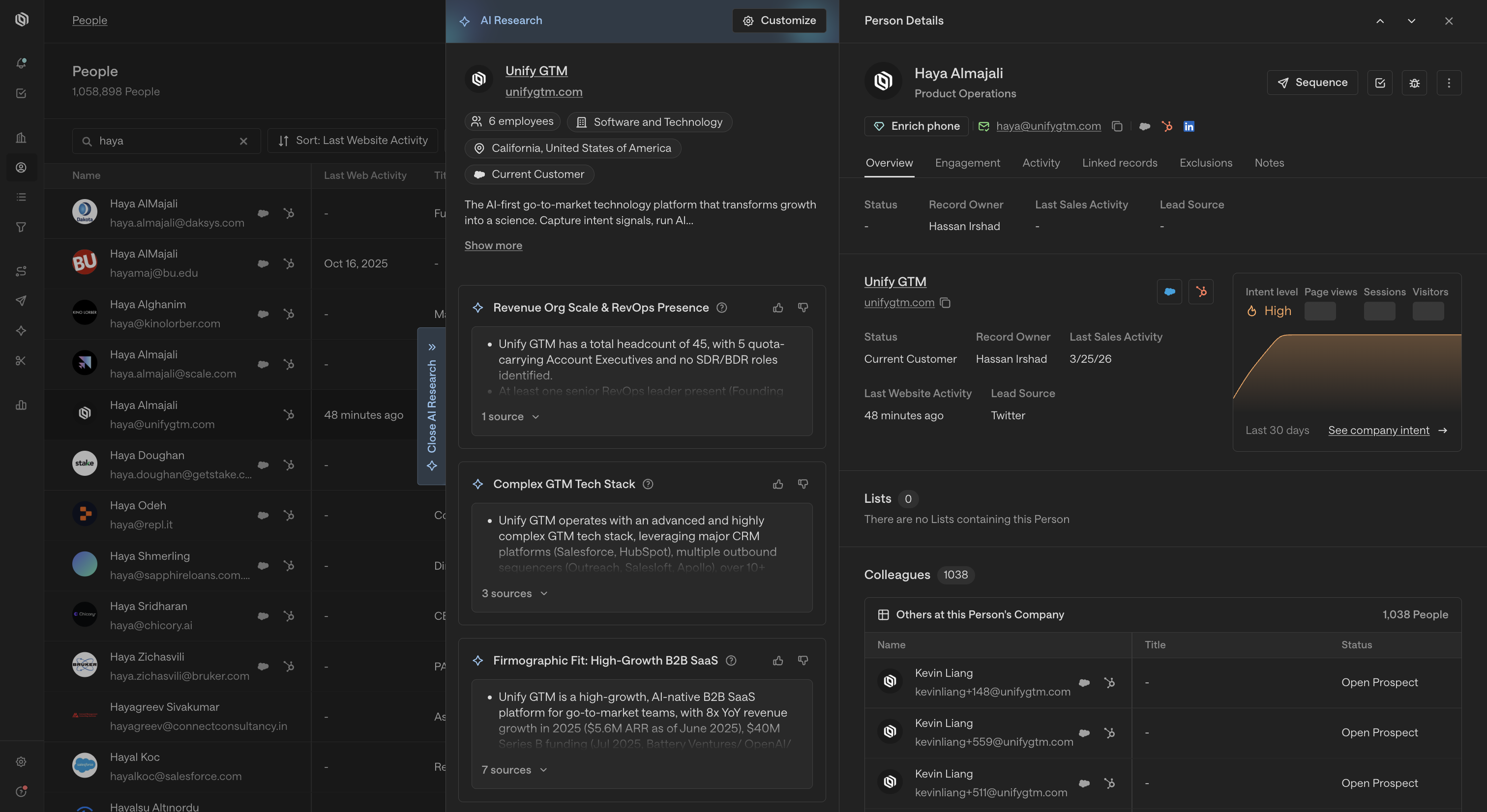
Click the Notes tab on the record (alongside Activity and other tabs).
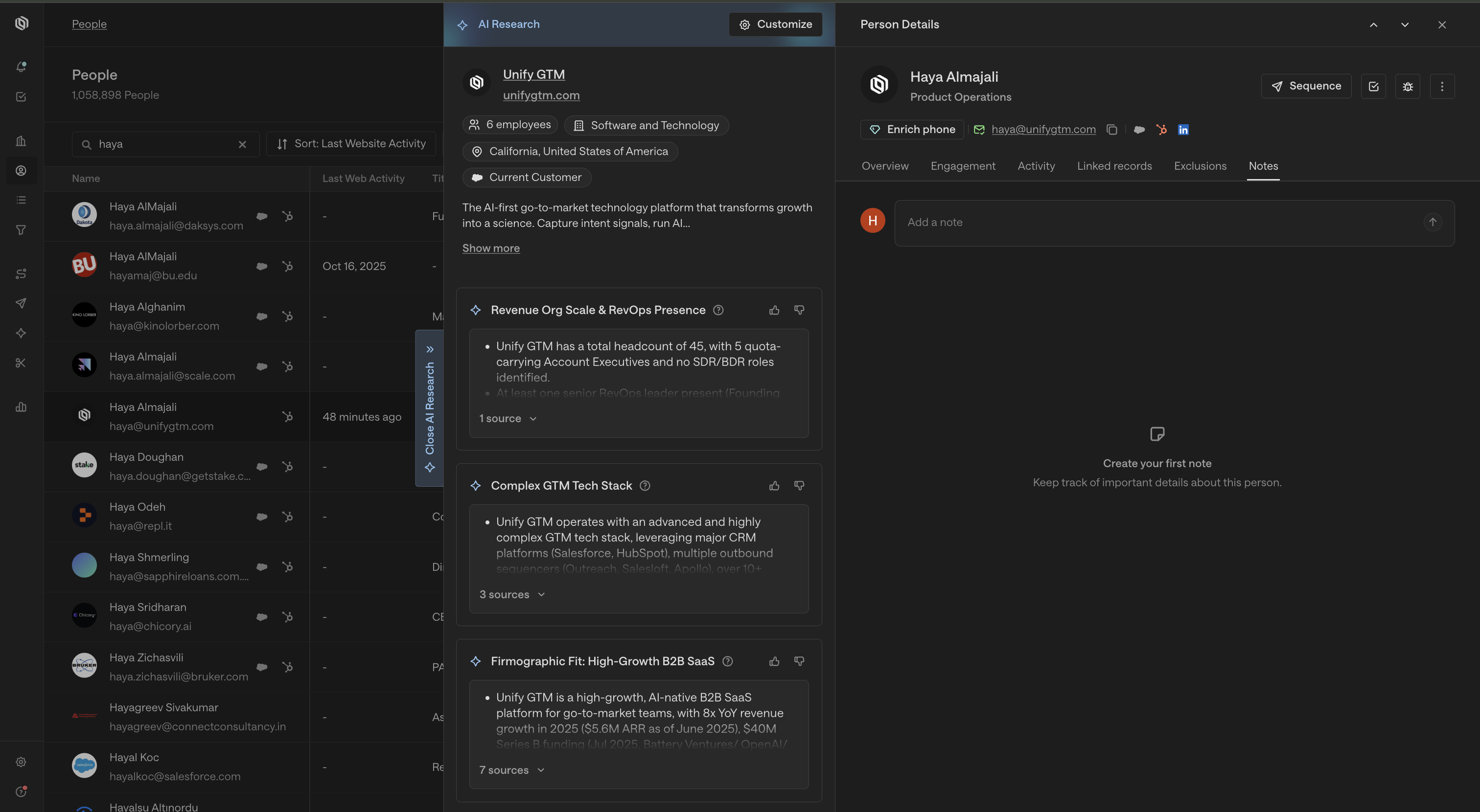
Click into the note input at the top and start typing. Your draft saves automatically as you write — no manual save needed.
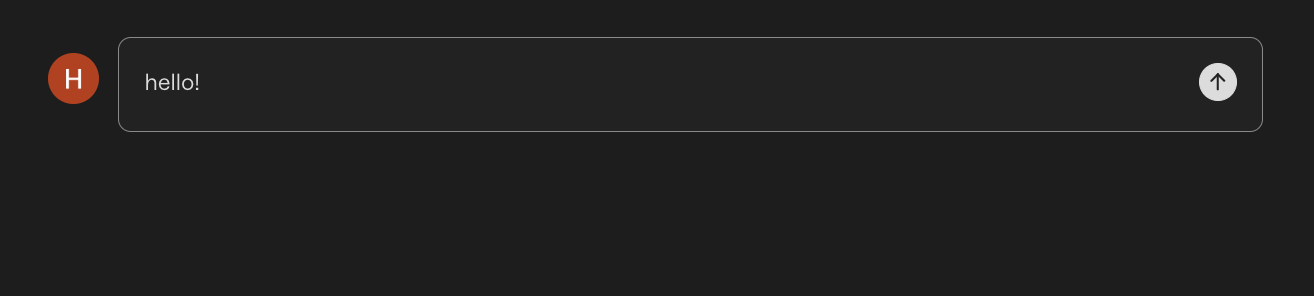
When you're ready to share with your team, click Publish.
Published notes appear in a shared, chronological feed on the record, visible to all teammates with access.
Viewing your team's notes
All published notes on a record are visible to everyone on your team with access to that record. Notes appear newest-first in the feed below the note input.
On a Company record, you can also surface notes that teammates wrote on linked People. Toggle Include person notes at the top of the Notes tab to see a combined view of company-level and person-level notes for that account.
Drafts
A note starts as a private draft the moment you begin typing. Drafts autosave every few seconds — if you close the tab mid-thought, your draft will be there when you return. Drafts are only visible to you until you publish them.
Editing and managing notes
You can edit or delete your own published notes. Edits take effect immediately and the updated note remains visible to your team.
FAQs
Do notes sync to Salesforce or HubSpot?
Not in the current release. Notes live in Unify only and are not pushed to your CRM automatically. CRM sync is on the roadmap for a future release.
Can I @mention teammates in a note?
Not yet. @mention support is coming in a future update.
Can I reply to a note?
Not in the current release. The notes feed is a flat, chronological list. Threaded replies are planned for a future milestone.
Can I pin important notes?
Not currently. Pinning is planned for a future release.
What's the difference between Notes and Comments?
Notes and Comments are separate systems. Notes is purpose-built for capturing account context on Company and Person records. Existing Comments are not affected and have not been migrated.
The Notes tab isn't showing up for a rep — what should I do?
The Notes tab requires readNotes and updateNotes permissions. If a rep can't see the tab, ask their admin to verify those permissions are enabled for their role.