How do I search for specific people to add to email sequences?
Last updated: April 1, 2026
Context
When attempting to manually add specific individuals to email sequences, you may find that the direct search functionality has specific limitations. While searching by name typically works, searching by email addresses does not reliably return results.
Answer
While the direct search functionality currently has limitations, there is an effective workaround to find and add specific people to your email sequences:
Instead of using the search bar, create a new audience in the Audience tab

Set the audience filter criteria to either first name, last name, or email of the person you want to find
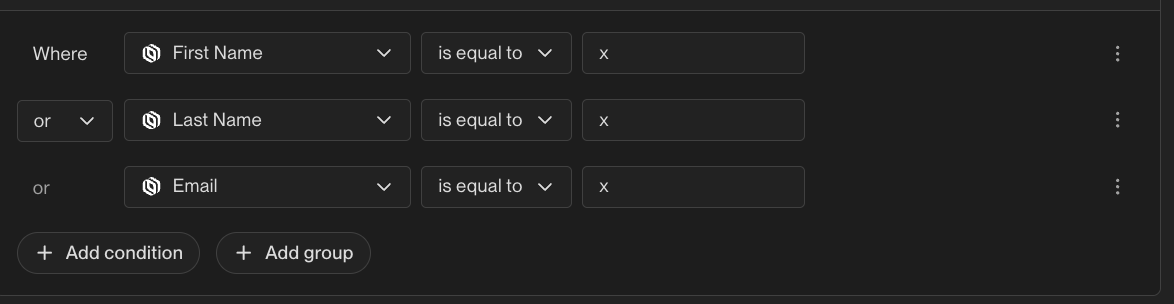
Once the audience is created, you can select the desired individuals from the filtered list
Enroll the selected individuals into your email sequence by clicking "enroll" at the top right of the contact

This method provides a more reliable way to locate specific individuals compared to using the direct search function.