How to use mailbox routing in Plays
Last updated: September 18, 2026
Use mailbox routing in a Play - choose which mailbox and sequence each persona should use. Below are the steps to follow:
Open the Play you want to configure.
Go to the sequence node, then click + Add Persona Routing.
Under Mailbox routing, select Manually select mailboxes.
Optional: click + Add persona route to route specific personas to specific mailbox and sequence combinations. For each route, select the persona, mailbox, and sequence you want to use.
If specific routing per persona is not important, move over to "Everyone else", and route everyone to the same mailbox and sequence.
Click Done, then continue configuring the rest of your Play.
Below is an example:
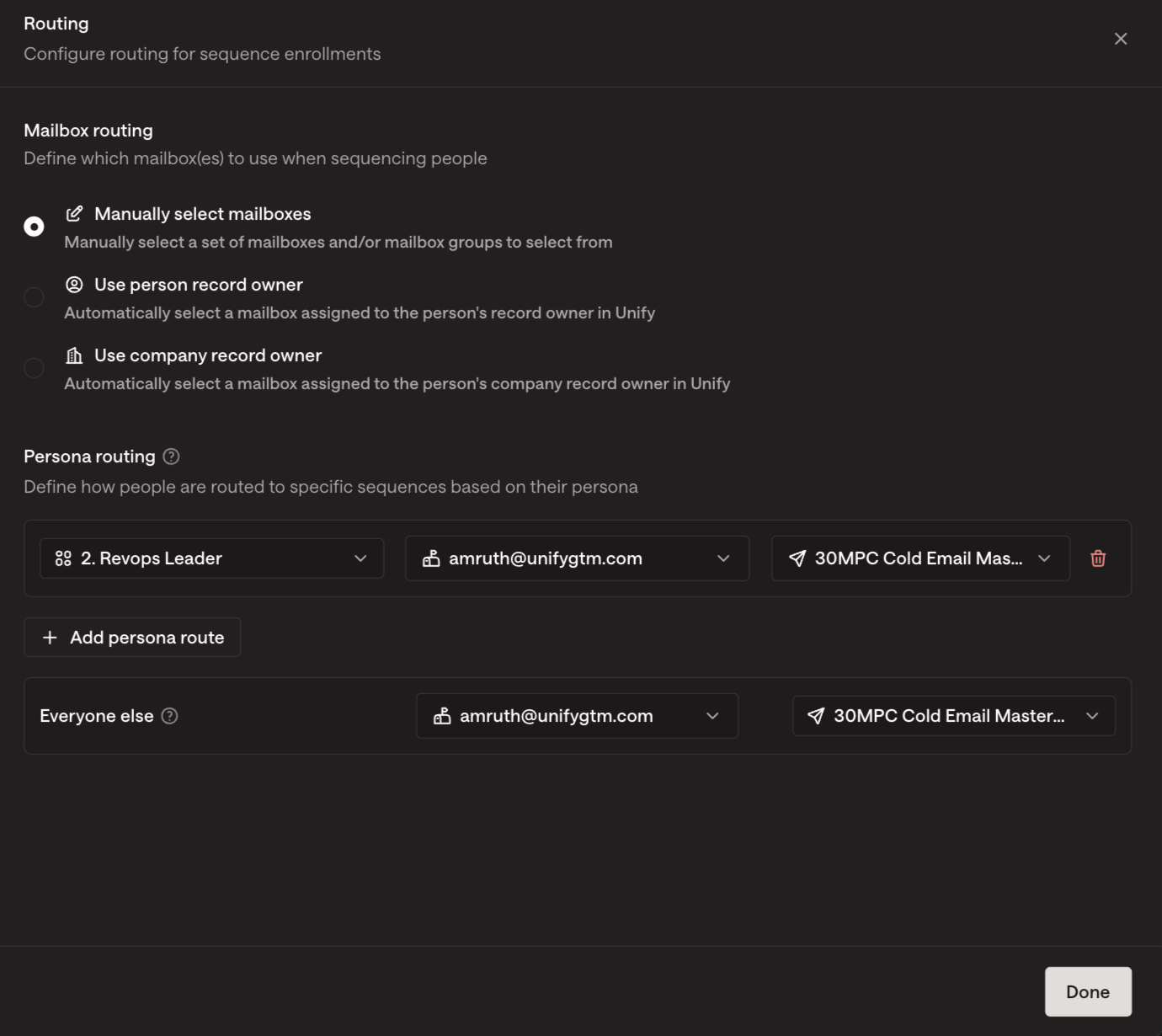
After saving, the Play will use your selected routing rules when enrolling people into sequences.